Introduction
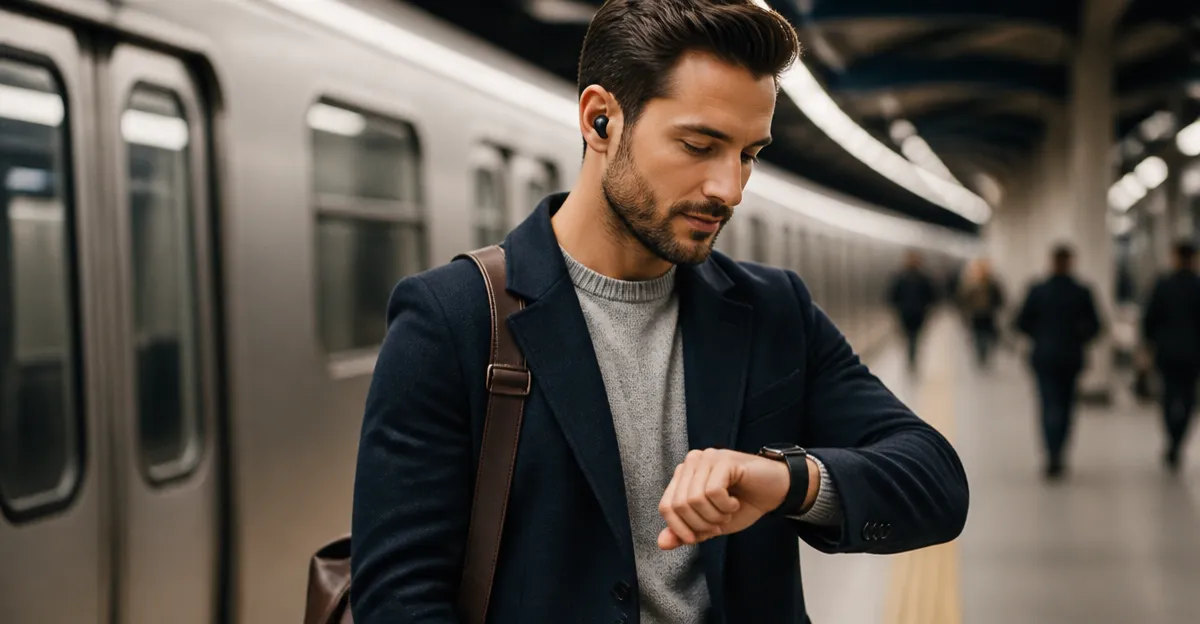
Commuters often require hands‑free audio and call capabilities while navigating crowded trains or buses. This guide explains how to pair earbuds with a smartwatch, enabling music playback, voice calls, and fitness tracking without reaching for a phone. Readers will learn the necessary preparations, precise pairing steps, and optimization techniques for a reliable commuting experience. The information is valuable because it reduces distractions, improves safety, and maximizes the utility of modern wearable technology.
What You'll Need
- A compatible smartwatch that supports Bluetooth audio.
- Bluetooth earbuds that can be stored or charged within the watch.
- A smartphone with the companion app installed (if required).
- An active internet connection for initial firmware updates.
Optional tools include a charging cable for the smartwatch and a clean, dry environment for initial setup. The following products are excellent choices for each requirement.
Step 1: Choose a Smartwatch with Built‑In Earbuds
Selecting a smartwatch that already integrates earbuds simplifies the pairing process and reduces the number of accessories to carry. The FANCHENGZI Smartwatch with Earbuds offers a dual‑strap design, allowing users to switch between a light grey and an orange strap for style versatility. It includes a dedicated earbud compartment that protects the earbuds and charges them while stored, eliminating the need for separate charging cases.
Key specifications include a 1.53‑inch full‑touch display, heart‑rate and blood‑oxygen monitoring, and up to 110 sport modes. Priced at $37.99 with a rating of 4.0 out of 5 from 67 reviews, it provides a cost‑effective solution for commuters who value both fitness tracking and audio functionality. The built‑in 400 mAh battery delivers up to 15 days of standby time, ensuring the watch remains operational throughout a typical workweek.
By choosing a smartwatch that already houses the earbuds, the user avoids the complexity of pairing separate devices and reduces the risk of misplacing accessories during travel. This product is especially useful in the first step because the watch and earbuds are designed to work together seamlessly from the factory.
Step 2: Activate Bluetooth on the Smartwatch
After selecting the appropriate device, power on the smartwatch and navigate to the Bluetooth settings menu. On the FANCHENGZI model, swipe down from the home screen, tap the gear icon, and select “Bluetooth.” Ensure that Bluetooth is toggled to the “On” position; the watch will begin scanning for nearby devices.
If you prefer a more rugged option, the ZJX Rugged Fitness Smartwatch also supports Bluetooth calling and includes a separate pair of earbuds stored in its charging compartment. Priced at $56.88 with a 4.8‑star rating from six reviewers, this watch offers a durable build for users who encounter harsh weather during their commute.
Activating Bluetooth on either device prepares the watch to discover the earbuds, which is a prerequisite for successful pairing. The process is identical across most Android and iOS compatible watches, but consult the user manual for model‑specific gestures.
Step 3: Power On and Position the Earbuds
For watches with integrated earbuds, simply open the earbud compartment and press the power button on the earbuds. The FANCHENGZI earbuds emit a short tone indicating they are in pairing mode. If using the ZJX smartwatch, remove the earbuds from the compartment, press and hold the multifunction button until the LED flashes rapidly, signifying readiness to pair.
The Denash 2‑in‑1 Smartwatch with Earbuds provides a 250 mAh battery that powers the earbuds for up to 4.5 hours of continuous music playback. Although its battery capacity is lower than the other two models, its 2.01‑inch HD screen offers superior visual clarity for navigation apps during a commute. This product is priced at $— (price not provided) and holds a 4.0‑star rating from 70 reviews.
Ensuring the earbuds are fully charged before pairing reduces the likelihood of connection drops while traveling. Placing the earbuds back into the watch’s charging compartment after use also keeps them protected from moisture and accidental loss.
Step 4: Pair the Earbuds via the Smartwatch Interface
With Bluetooth enabled and the earbuds in pairing mode, the smartwatch will display a list of available devices. Select the earbuds entry—usually labeled with the brand name or “Earbuds”—and confirm the pairing request. On the FANCHENGZI watch, a confirmation toast will appear stating “Connected.”
If the watch prompts for a PIN, enter “0000,” which is the default for most Bluetooth audio devices. The ZJX smartwatch may request permission to access contacts for call handling; grant this permission to enable seamless call answering directly from the watch.
After successful pairing, test the connection by playing a short audio clip from the companion app or a streaming service. Verify that sound is routed through the earbuds and that the microphone captures voice clearly for calls. Adjust the volume using the watch’s side buttons or the on‑screen slider.
Step 5: Configure Call and Notification Settings
To make the most of hands‑free calling during a commute, enable Bluetooth call routing in the smartwatch settings. On the FANCHENGZI model, navigate to “Call Settings” and toggle “Answer Calls via Earbuds.” This allows incoming calls to ring on the watch and be answered with a simple tap.
Enable notification mirroring for messaging apps such as WhatsApp, Telegram, and email. This feature ensures that important messages appear on the watch screen, allowing the commuter to glance at alerts without retrieving a phone. The ZJX smartwatch offers a broader set of assistant features, including weather forecasts and sedentary reminders, which can be customized to appear only during commuting hours.
Adjust the “Do Not Disturb” schedule to silence non‑essential alerts while the commuter is in transit. This prevents unnecessary distractions and conserves battery life for essential functions like navigation and calls.
Step 6: Optimize Battery Usage for Daily Commutes
Battery management is crucial for devices used throughout the day. Set the screen timeout to a lower value, such as 15 seconds, to reduce power consumption. The FANCHENGZI watch’s 400 mAh battery can sustain up to 15 days of standby, but active use of GPS and music will shorten this duration.
Utilize the built‑in power‑saving mode during long journeys when continuous GPS tracking is unnecessary. The ZJX smartwatch’s 400 mAh polymer battery offers 7‑10 days of active use; enabling the “Battery Saver” feature can extend this to the upper range.
Charge the smartwatch and earbuds together each night using the provided magnetic charger. This habit ensures that both devices are ready for the next day’s commute without needing a midday recharge.
Tips & Pro Tips
- Keep the smartwatch firmware updated to benefit from the latest Bluetooth stability improvements.
- Store the smartwatch in a protective case when not in use to safeguard the earbud compartment from dust.
- Use a secure Bluetooth pairing code (default is 0000) only during the initial connection; change it in the settings if the watch allows.
- For noisy environments, enable the “Noise Cancellation” feature if the earbuds support it, improving call clarity.
- Schedule a quick daily check of the battery levels on both the watch and earbuds to avoid unexpected shutdowns.
Troubleshooting
Problem: Earbuds do not appear in the Bluetooth device list.
Solution: Ensure the earbuds are fully powered on and in pairing mode; reset them by holding the power button for 10 seconds. Restart the smartwatch’s Bluetooth and repeat the scan.
Problem: Audio cuts out during calls.
Solution: Move away from sources of wireless interference such as Wi‑Fi routers or other Bluetooth devices. Update the smartwatch firmware and verify that the earbuds are seated correctly in the charging compartment.
Problem: Battery drains rapidly.
Solution: Disable unused sensors like continuous heart‑rate monitoring when not needed, lower screen brightness, and enable power‑saving mode during long periods of inactivity.
Conclusion
This guide has detailed the complete process of pairing earbuds with a smartwatch for a smoother commuting routine. By selecting a compatible device, activating Bluetooth, powering the earbuds, and configuring call and notification settings, users can enjoy hands‑free audio and reliable fitness tracking. Implementing the battery‑saving tips and troubleshooting steps ensures a consistent experience throughout the workweek. Embrace these practices to transform daily travel into an efficient, enjoyable, and connected experience.
Products Mentioned in This Guide
Frequently Asked Questions
What types of smartwatches can pair with Bluetooth earbuds for commuting?
Any smartwatch that supports Bluetooth audio and has the necessary Bluetooth version can pair with standard Bluetooth earbuds.
Do I need a smartphone to pair earbuds with my smartwatch?
A smartphone is only required if the smartwatch uses a companion app for initial setup or firmware updates.
How do I start the pairing process between my earbuds and smartwatch?
Put the earbuds in pairing mode, open the smartwatch's Bluetooth settings, and select the earbuds from the list of available devices.
What should I do if the earbuds fail to connect to the smartwatch?
Ensure both devices have the latest firmware, restart them, and try pairing again in a clean, interference‑free environment.
Can I use the paired earbuds for calls and fitness tracking simultaneously?
Yes, once paired, the earbuds handle audio for calls, music, and relay fitness data through the smartwatch’s sensors.