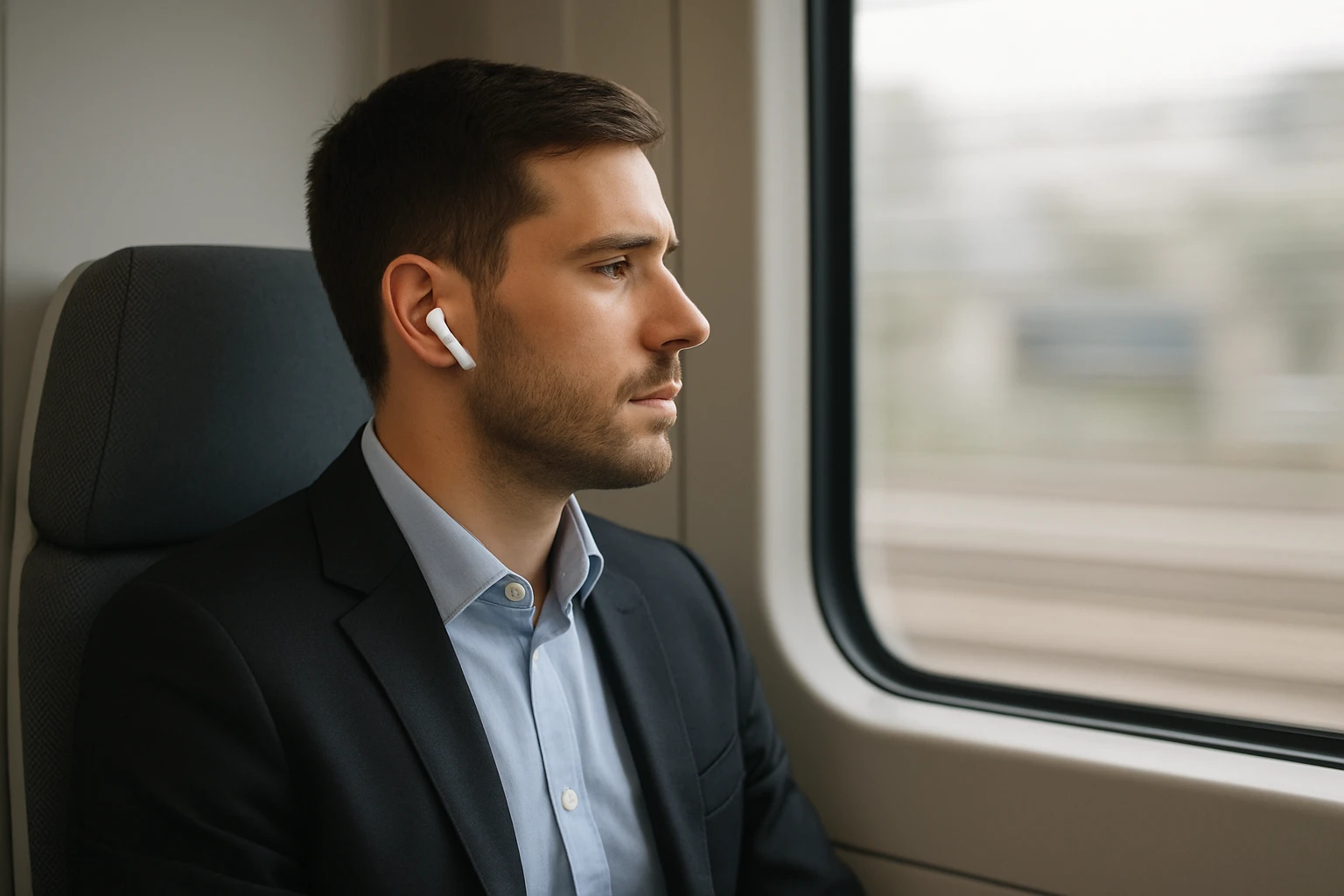

How to Prevent Earbud Sound Leakage on Trains: 10 Simple Tips for Quiet, Private Commuting
Introduction
Commuters often encounter the frustration of sound leaking from earbuds into the surrounding carriage, disrupting fellow passengers and compromising personal privacy. This guide explains ten straightforward strategies that enable one to enjoy immersive audio without disturbing others. Readers will learn how to select appropriate equipment, adjust device settings, and adopt behavioural habits that together create a quiet, private commuting experience. Implementing these methods can improve concentration, reduce social friction, and enhance overall travel comfort.
The recommendations are grounded in practical experience and supported by a high‑quality noise‑cancelling solution. By following the steps, one will be able to travel by train while maintaining audio confidentiality and auditory enjoyment.
What You'll Need
- Noise‑cancelling earbuds or headphones (recommended: Apple AirPods Pro 3)
- Smartphone or audio source with volume and equalizer controls
- Travel‑friendly earbud accessories such as silicone ear tip selectors
- Optional: portable charging case or power bank for extended listening sessions
Step 1: Choose a Secure, In‑Ear Fit
Begin by selecting ear tips that match the geometry of your ear canal. A secure seal prevents acoustic leakage by containing the sound within the ear canal. The Apple AirPods Pro 3 include five sizes of silicone tips, allowing one to find a personalized fit that maximises isolation. A proper seal also enhances the effectiveness of active noise cancellation, further reducing the need for high playback volumes.
To test the fit, insert the earbuds and gently pull on the ear to ensure they remain stable during movement. If the earbuds shift, try a different tip size until the device stays firmly in place.
Step 2: Activate Active Noise Cancellation (ANC)
Activate the built‑in active noise cancellation feature on your earbuds. ANC uses outward‑facing microphones to analyse ambient sounds and generate anti‑noise signals that cancel them out. The Apple AirPods Pro 3 provide world‑class in‑ear ANC, removing up to twice as much unwanted noise as previous generations. By reducing background chatter, one can keep the volume at a lower, safer level, which in turn minimises sound leakage.
To enable ANC, open the control centre on your iPhone, press and hold the volume slider, and select the ANC icon. Verify that the indicator light confirms active cancellation before beginning playback.
Step 3: Adjust Volume to a Safe, Private Level
Set the playback volume to a level that is audible to you but does not exceed the threshold at which sound begins to escape the ear canal. A volume between 60‑70 % of the maximum is typically sufficient when ANC is engaged. Excessive volume not only increases leakage but also poses a risk of hearing damage.
Use your device’s volume limiter or the built‑in safety features of the AirPods Pro 3, which monitor listening duration and automatically reduce volume after extended sessions.
Step 4: Enable Transparency Mode When Needed
Transparency mode allows ambient sounds to enter through the earbuds, enabling situational awareness without removing the device. On a moving train, this mode is useful for hearing announcements while still enjoying private audio. The AirPods Pro 3 switch seamlessly between ANC and Transparency, providing flexibility during the commute.
Activate Transparency by pressing and holding the force‑sensor stem on either earbud until the auditory cue confirms the mode change.
Step 5: Use Equalizer Settings to Reduce Bass Over‑Leakage
Low‑frequency sounds travel more readily through the ear canal walls, often causing the most noticeable leakage. Adjust the equalizer on your music app to lower the bass frequencies slightly, while preserving overall audio quality. Reducing bass diminishes the pressure that forces sound out of the ear, thereby limiting leakage.
Most streaming services include a preset equalizer; select a “Flat” or “Speech” profile for clearer vocals and reduced low‑end energy.
Step 6: Position the Earbuds Correctly
Insert the earbuds so that the microphone and speaker align with the natural curvature of the ear canal. Improper positioning can create gaps that act as acoustic vents, allowing sound to escape. The AirPods Pro 3 feature inward‑facing microphones that automatically measure what you hear and adjust output in real time, ensuring optimal placement.
After insertion, gently rotate each earbud until the seal feels snug and the device does not wobble during head movements.
Step 7: Leverage the Hearing Aid Feature for Conversation Boost
If you need to converse with a fellow passenger while keeping your audio private, enable the Hearing Aid feature with automatic Conversation Boost. This mode amplifies speech from the person directly in front of you while suppressing surrounding noise, allowing you to lower the media volume further. The AirPods Pro 3 integrate this functionality, making it a valuable tool for discreet communication.
Access the feature through the iPhone Settings app under Accessibility > Hearing Devices, then toggle Conversation Boost on for the active earbuds.
Step 8: Keep the Earbuds Clean and Free of Wax Build‑Up
Accumulated earwax can interfere with the acoustic seal and diminish the performance of ANC and microphone arrays. Regular cleaning ensures that the earbuds maintain their designed isolation properties. Use a soft, dry brush to remove debris from the silicone tips and vent meshes.
Do not immerse the earbuds in liquid; instead, follow the manufacturer’s cleaning guidelines to preserve warranty coverage.
Step 9: Use a Protective Carrying Case When Not in Use
When the earbuds are not actively worn, store them in the provided charging case. The case protects the devices from accidental damage and keeps the silicone tips clean, preserving the seal quality for the next use. The AirPods Pro 3 case supports USB‑C charging, offering rapid power replenishment for long commutes.
Ensure the case is fully charged before a long journey to avoid interruptions that might lead you to remove the earbuds and increase leakage.
Step 10: Practice Courteous Listening Etiquette
Even with optimal equipment, it is courteous to be mindful of the surrounding environment. If you notice that others are reacting to sound, lower the volume or switch to Transparency mode. Maintaining a respectful audio footprint contributes to a pleasant travel experience for all passengers.
Combine this social awareness with the technical steps above for a comprehensive solution to earbud sound leakage on trains.
Tips & Pro Tips
- Carry a spare set of silicone tips in case the originals become damaged or lose elasticity.
- Utilise the live translation feature of the AirPods Pro 3 when traveling internationally; it allows you to keep conversations private while still understanding foreign announcements.
- Schedule regular firmware updates for your earbuds to benefit from the latest noise‑cancellation algorithms.
- Consider using a low‑profile ear hook accessory if you experience frequent dislodgement during train vibrations.
Troubleshooting
Problem: Persistent sound leakage despite low volume.
Solution: Verify that ANC is active, re‑select a larger silicone tip, and check for earwax blockage. Re‑calibrate the fit by removing and reinserting the earbuds.
Problem: Battery drains quickly on long trips.
Solution: Ensure the charging case is fully charged before departure and enable the low‑power mode in the device settings.
Conclusion
By following these ten steps, commuters can effectively prevent earbud sound leakage while traveling by train. The combination of a secure fit, active noise cancellation, appropriate volume settings, and courteous behavior creates a private listening environment that respects both personal comfort and public etiquette. Implementing these practices will lead to more enjoyable, distraction‑free journeys.
Products Mentioned in This Guide
Frequently Asked Questions
How can I stop my earbuds from leaking sound on a crowded train?
Use well‑fitting noise‑cancelling earbuds, keep the volume at a moderate level, and enable any built‑in leak‑reduction settings.
Do noise‑cancelling earbuds really reduce sound leakage?
Yes, they create a seal that isolates audio and often include adaptive EQ that minimizes external sound bleed.
What volume level is safe to prevent audio leakage without sacrificing sound quality?
Aim for 60‑70% of the maximum volume; this is loud enough for clarity but low enough to keep sound contained.
Can adjusting the equalizer help reduce earbud sound leakage?
Lowering bass frequencies and boosting mids can reduce the pressure that pushes sound out of the ear tip, limiting leakage.
Are there any etiquette tips for using earbuds on public transport?
Keep the volume low, use one earbud if possible, and be mindful of sudden loud spikes that could disturb nearby passengers.