How to Tune ANC for Wind Noise on Earbuds: Step-by-Step Guide to Eliminate Wind Hiss and Improve Call Clarity
Introduction
Wind noise is a common source of frustration for anyone who uses earbuds outdoors or in breezy environments. The hiss generated by fast‑moving air can mask music, reduce the effectiveness of active noise cancellation (ANC), and make voice calls sound muffled. This guide explains how to tune ANC settings, adjust fit, and use auxiliary tools so that wind hiss is minimized and call clarity is maximized. By following each step, the reader will gain a deeper understanding of the technology behind ANC, learn practical adjustments, and discover how a well‑chosen pair of earbuds can serve as a reliable solution.
What You’ll Need
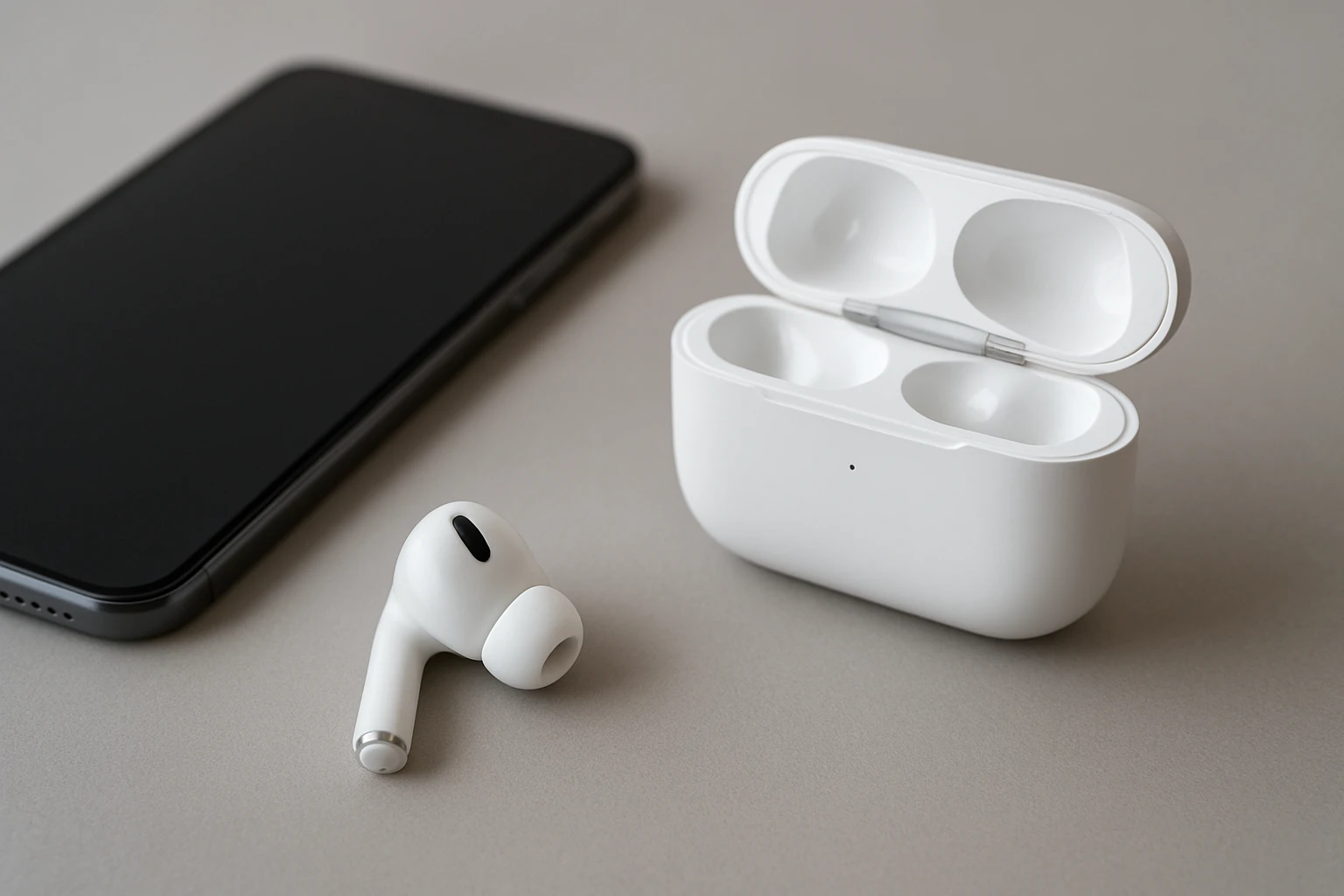
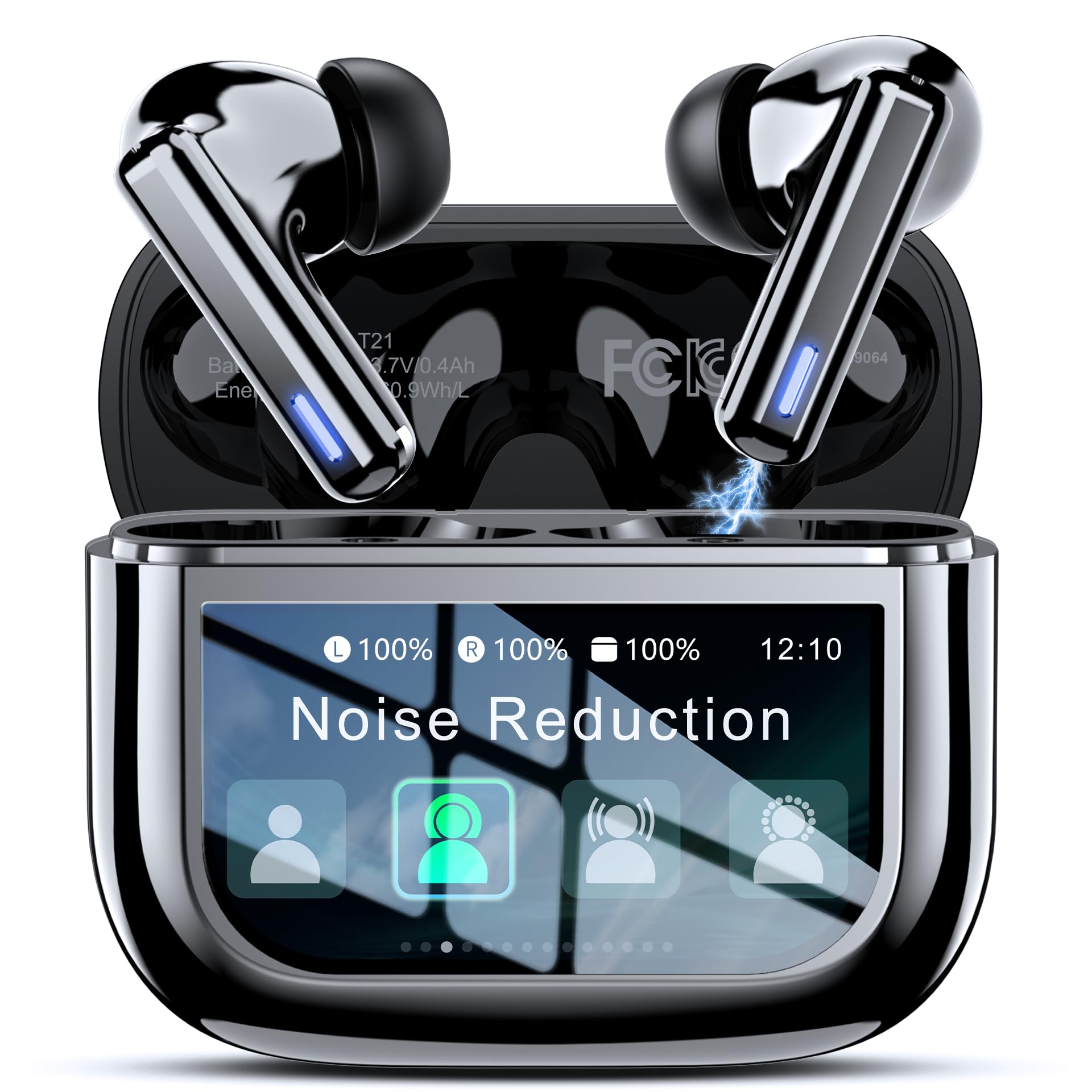
- Bluetooth earbuds with ANC capability (e.g., ZIUTY Wireless Earbuds)
- Smartphone running the latest operating system
- Ear tip sizing kit (often included with earbuds)
- Quiet indoor space for baseline testing
- Optional: wind‑screen accessories or foam covers
Step 1 – Ensure Firmware Is Up to Date
Manufacturers frequently release firmware updates that refine ANC algorithms and improve wind‑noise suppression. Open the companion app for your earbuds, navigate to the firmware section, and install any available updates. Updating ensures that the device utilizes the most recent digital signal processing (DSP) techniques, which are essential for distinguishing wind from speech.
Step 2 – Activate Hybrid ANC and Choose the Correct Mode
Most modern earbuds, including the ZIUTY Wireless Earbuds, feature hybrid ANC that combines feed‑forward and feedback microphones. In the app, select the “Hybrid ANC” option rather than “Passive” or “Transparency” alone. Hybrid ANC provides a broader frequency range for noise cancellation, which is particularly effective against low‑frequency wind hiss.
Why this product? The ZIUTY model offers hybrid ANC that blocks up to 40 dB of ambient noise, a feature that directly addresses wind interference while preserving audio fidelity.
Step 3 – Fine‑Tune Transparency Mode for Situational Awareness
When walking near traffic, a brief glance at the surroundings is necessary. Transparency mode lets external sounds pass through the earbuds. However, enabling it at full strength can re‑introduce wind noise. Adjust the transparency level to a moderate setting using the touchscreen case or the app slider. This balance maintains safety without sacrificing the wind‑reduction benefits of ANC.
Step 4 – Optimize Ear Tip Fit for Physical Isolation
The most effective first line of defense against wind is a proper seal. Test each size of the included ear tip kit by inserting the earbud and performing a simple “bass test” (play a low‑frequency track and listen for leakage). The optimal tip should feel snug but not painful, creating an airtight barrier that reduces wind entering the driver.
For users who find silicone tips insufficient, consider aftermarket foam tips. Foam expands to fill the ear canal, offering superior isolation, especially in gusty conditions.
Step 5 – Use the Smartphone’s ANC Calibration Feature
Many companion apps provide a calibration routine that measures ambient sound and automatically adjusts ANC parameters. Initiate the calibration in a quiet indoor environment, then repeat it outdoors after the earbuds have been worn for a few minutes. The algorithm learns the acoustic profile of wind and adapts the microphone gain accordingly.
Step 6 – Leverage the Smart Touchscreen Case Controls
The ZIUTY earbuds come with a revolutionary touchscreen charging case that can control playback, volume, and even camera functions. More importantly, a double‑tap on the case toggles ANC on or off instantly, allowing the user to react to sudden wind changes without removing the earbuds. This quick access ensures that ANC is always active when needed.
Why this product? The case’s responsive touchscreen provides a convenient hardware shortcut, eliminating the need to navigate the phone’s UI while on the move.
Step 7 – Adjust Call Settings for Clear Voice Transmission
During calls, wind can be interpreted as speech by the microphone, resulting in distorted audio. In the app, enable the “Wind Noise Reduction” toggle if available. Additionally, position the microphone side of the earbuds toward the cheek rather than the outer ear to reduce direct wind exposure. The dual‑ENC microphones in the ZIUTY earbuds eliminate 98 % of background noise, but proper orientation maximizes this benefit.
Step 8 – Conduct Real‑World Testing and Iterate
After configuring the settings, perform a field test by walking or cycling in a windy area. Record a short voice memo using the phone’s recorder while the earbuds are active. Playback the recording to evaluate wind hiss and speech clarity. If hiss persists, revisit steps 3 and 4, adjusting transparency level or trying a different ear tip size. Iterative testing ensures that the final configuration is tailored to the user’s specific environment.
Tips & Pro Tips
- Wind‑screen accessories: Small foam windshields that attach to the microphone port can further diminish wind turbulence.
- Battery management: ANC consumes additional power; keep the case charged to avoid sudden shutdown during a windy commute.
- Latency awareness: The ZIUTY earbuds feature 55 ms latency, suitable for gaming and video calls; however, if ultra‑low latency is required, consider disabling ANC temporarily.
- Environmental awareness: When wind speed exceeds 15 mph, consider switching to passive isolation (remove earbuds) for the safest option.
Troubleshooting
| Problem | Possible Cause | Solution |
|---|---|---|
| Persistent hiss despite ANC | Improper ear tip seal or excessive transparency level | Switch to a larger tip, reduce transparency, and recalibrate ANC. |
| Calls sound muffled | Microphone orientation facing wind | Rotate earbuds so the microphone faces the cheek; enable wind‑reduction toggle. |
| Battery drains quickly | ANC left on continuously in low‑noise environment | Disable ANC when not needed; use passive isolation. |
Conclusion
By updating firmware, selecting the appropriate ANC mode, ensuring a proper seal, and leveraging the smart features of the ZIUTY Wireless Earbuds, users can dramatically reduce wind hiss and enjoy crystal‑clear calls. The iterative testing process empowers individuals to fine‑tune their audio experience for any outdoor scenario. Implement the steps outlined in this guide, and the annoyance of wind noise will become a thing of the past.
Products Mentioned in This Guide
Frequently Asked Questions
How do I adjust ANC settings on earbuds to minimize wind hiss?
Use the companion app or device settings to enable wind‑reduction mode or increase the ANC level, then test outdoors and fine‑tune until the hiss drops.
What ear tip size provides the best protection against wind noise?
Choose the largest tip that fits comfortably; a tighter seal blocks airflow and reduces wind‑generated hiss.
Can firmware updates improve ANC performance in windy conditions?
Yes, updating to the latest firmware often adds wind‑filter algorithms that enhance ANC’s ability to suppress wind noise.
Are there accessories that help reduce wind noise on earbuds?
Foam covers or silicone wind‑screens placed over the earbuds create an extra barrier that dampens airflow and cuts hiss.
How can I test my earbuds for wind noise before using them outdoors?
In a quiet indoor space, play a steady tone, then simulate wind by blowing gently on the earbuds and adjust fit or settings until the tone remains clear.