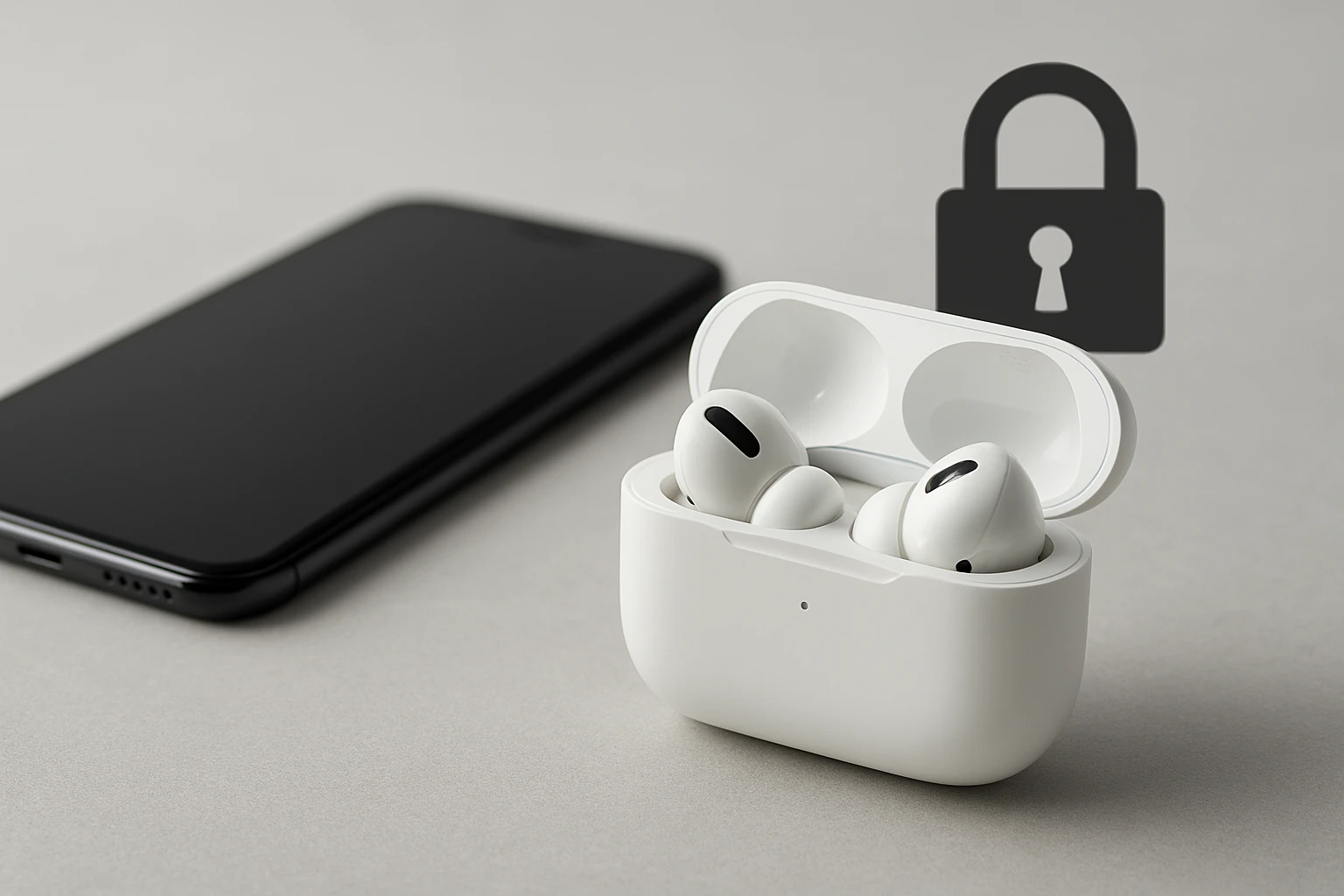
How to Secure Your Bluetooth Earbuds: 10 Essential Tips to Prevent Hacking and Protect Your Privacy
Introduction
In today’s interconnected world, wireless audio devices have become indispensable for commuters, athletes, and remote workers alike. However, the convenience of Bluetooth connectivity introduces potential privacy risks that many users overlook. This guide explains ten essential steps that one can take to safeguard Bluetooth earbuds from unauthorized access, data interception, and location tracking. By following these recommendations, readers will enhance the security of their audio devices while preserving the quality of their listening experience.
The instructions are designed for individuals with intermediate technical familiarity, yet each step is presented in a clear, actionable format. The guide also integrates a practical product recommendation that demonstrates how a well‑designed earbud can support several of the security measures discussed.
What You'll Need
- A pair of Bluetooth earbuds that support firmware updates and customizable device names.
- A smartphone or computer with the latest operating system and Bluetooth management tools.
- Access to the manufacturer’s companion app (if available).
- Secure Wi‑Fi network for downloading updates.
- Optional: a password manager to store unique device passwords.
Step 1: Verify That Firmware Is Up‑to‑Date
Outdated firmware often contains known vulnerabilities that attackers can exploit. Open the manufacturer’s companion app, locate the firmware section, and install any available updates. The process typically requires a stable Wi‑Fi connection and a fully charged charging case. Updating firmware ensures that encryption protocols are current and that known bugs have been patched.
Step 2: Change the Default Device Name
Bluetooth devices ship with generic identifiers such as "Earbuds" or "BMANI001," which make them easy targets for automated scanning tools. Within the companion app, rename the earbuds to a non‑descriptive label, for example "AudioDevice_A1." A unique name reduces the likelihood that an attacker will recognize the device during a proximity scan.
Step 3: Disable Unnecessary Bluetooth Features
Many earbuds include auxiliary features such as ambient sound mode, automatic ear detection, or voice assistant activation. If these capabilities are not required, disable them in the settings menu. Turning off superfluous functions minimizes the attack surface by preventing unintended data exchange.
Step 4: Pair Only With Trusted Devices
When initiating a new pairing, ensure that the target device is recognized and trusted. Avoid pairing in public spaces where multiple devices are broadcasting simultaneously. Confirm the pairing request on both devices and reject any unsolicited connection attempts that appear in the Bluetooth device list.
Step 5: Use a Secure Charging Case With Visual Indicators
Physical security complements digital safeguards. The bmani Wireless Earbuds include a compact charging case equipped with dual LED displays that show both case battery level and individual earbud charging status. The visual feedback allows users to verify that the case is closed and that the earbuds are not inadvertently left powered on, which could expose them to opportunistic attacks.
Additionally, the case’s sweat‑resistant construction protects the earbuds from moisture that could degrade the internal circuitry, thereby preserving the integrity of security‑related firmware.
Step 6: Enable Two‑Factor Authentication (2FA) on Companion Apps
If the earbud manufacturer offers a cloud‑based account, enable two‑factor authentication to protect the account from credential theft. 2FA adds a secondary verification step, typically a time‑based one‑time password, that prevents unauthorized users from modifying device settings remotely.
Step 7: Regularly Review Connected Device Logs
Most companion apps provide a log of devices that have connected to the earbuds. Review this log monthly to identify any unfamiliar MAC addresses. If an unknown device appears, delete it from the trusted list and change the Bluetooth pairing password if the device supports such a feature.
Step 8: Restrict Bluetooth Visibility
Set the earbuds to "non‑discoverable" mode after the initial pairing. In this state, the earbuds will only respond to devices that have previously been authorized, preventing random discovery scans from revealing the device’s presence.
Step 9: Use Strong, Unique Passwords for Companion Accounts
When an account is required for firmware updates or cloud sync, create a password that combines upper‑case letters, lower‑case letters, numbers, and symbols. Store the password in a reputable password manager to avoid reuse across multiple services.
Step 10: Perform Periodic Security Audits
Every three months, repeat steps 1 through 9 to ensure that no new vulnerabilities have emerged. Security is an ongoing process; regular audits help maintain a robust defense against evolving threats.
Tips & Pro Tips
- Keep the charging case in a secure location when not in use; physical theft can bypass all digital protections.
- When traveling, power down the earbuds and store them in the case to prevent accidental pairing with nearby devices.
- Consider using a Bluetooth firewall application on Android or iOS to monitor and block suspicious connection attempts.
- Enable “Find My Device” features if supported, but ensure that location sharing is limited to trusted accounts.
Troubleshooting
Problem: Earbuds fail to pair after a firmware update.
Solution: Reset the earbuds by placing them in the charging case, holding the multifunction button for ten seconds, and then re‑initiating the pairing process through the companion app.
Problem: LED indicators do not display battery status.
Solution: Verify that the case is fully seated, clean the contacts with a dry microfiber cloth, and ensure that the latest firmware version is installed.
Conclusion
Bluetooth earbuds offer unparalleled convenience, yet they also present privacy challenges that require deliberate mitigation. By updating firmware, customizing device names, limiting visibility, and employing strong account credentials, one can significantly reduce the risk of unauthorized access. The bmani Wireless Earbuds exemplify a product that integrates visual status indicators and robust build quality, supporting many of the security practices outlined in this guide. Implementing the ten steps consistently will help users enjoy their audio experience without compromising personal data.
Products Mentioned in This Guide
Frequently Asked Questions
How can I prevent unauthorized pairing with my Bluetooth earbuds?
Turn off Bluetooth discovery when not pairing, use a custom device name, and enable a PIN or passkey if the earbuds support it.
Why are firmware updates important for Bluetooth earbud security?
Updates patch known vulnerabilities, improve encryption, and can add new security features that protect against hacking.
What settings should I adjust on my smartphone to secure my earbuds?
Keep the OS and Bluetooth drivers up to date, disable automatic Bluetooth connections, and revoke old device permissions.
Can Bluetooth earbuds be used to track my location?
Yes, if they broadcast identifiable MAC addresses; using random MAC rotation and turning off Bluetooth when idle reduces this risk.
Is it safe to use public Wi‑Fi while streaming audio to Bluetooth earbuds?
Streaming over Wi‑Fi doesn’t affect Bluetooth security, but ensure your device’s firewall is active and avoid pairing in public spaces.