How to Test Earbud Battery Health: Quick, Accurate Step‑by‑Step Guide for Wireless Earbuds (AirPods, Galaxy Buds & More)
Introduction
Battery health determines how long an earbud can operate before requiring a recharge, directly affecting user satisfaction. One can misinterpret a low charge level as a failing battery, which leads to unnecessary replacements. This guide explains how to evaluate battery capacity accurately, using built‑in diagnostics, third‑party apps, and simple reference tests. By the end of the article, the reader will be able to identify a healthy battery, recognize early degradation, and make informed decisions about maintenance or replacement.
What You'll Need
- Wireless earbuds (AirPods, Galaxy Buds, or any Bluetooth model).
- Smartphone or tablet with Bluetooth support.
- Battery testing application (e.g., Battery Life for iOS or Battery Monitor for Android).
- Charging case or wireless charger compatible with the earbuds.
- Optional: Cleer ARC 3 Sports Pro Open Ear Headphones for comparative testing.
Step 1: Prepare the Earbuds
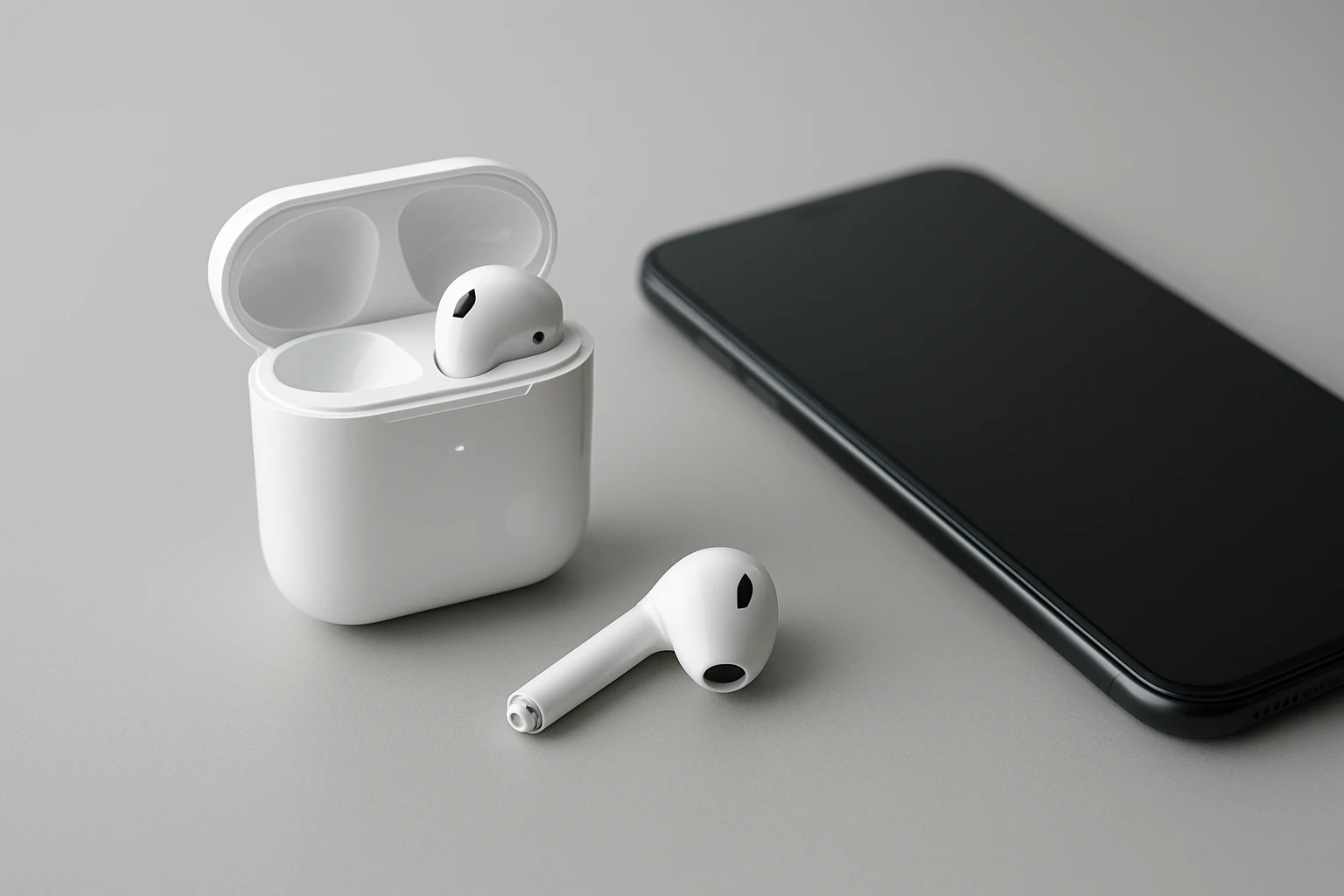
Begin by ensuring the earbuds are fully charged. Place them in their charging case, connect the case to a power source, and allow the indicator lights to confirm a 100 % charge. For earbuds lacking a visual indicator, use the companion app to verify full charge. This baseline eliminates variables caused by residual charge and provides a consistent starting point for all subsequent measurements.
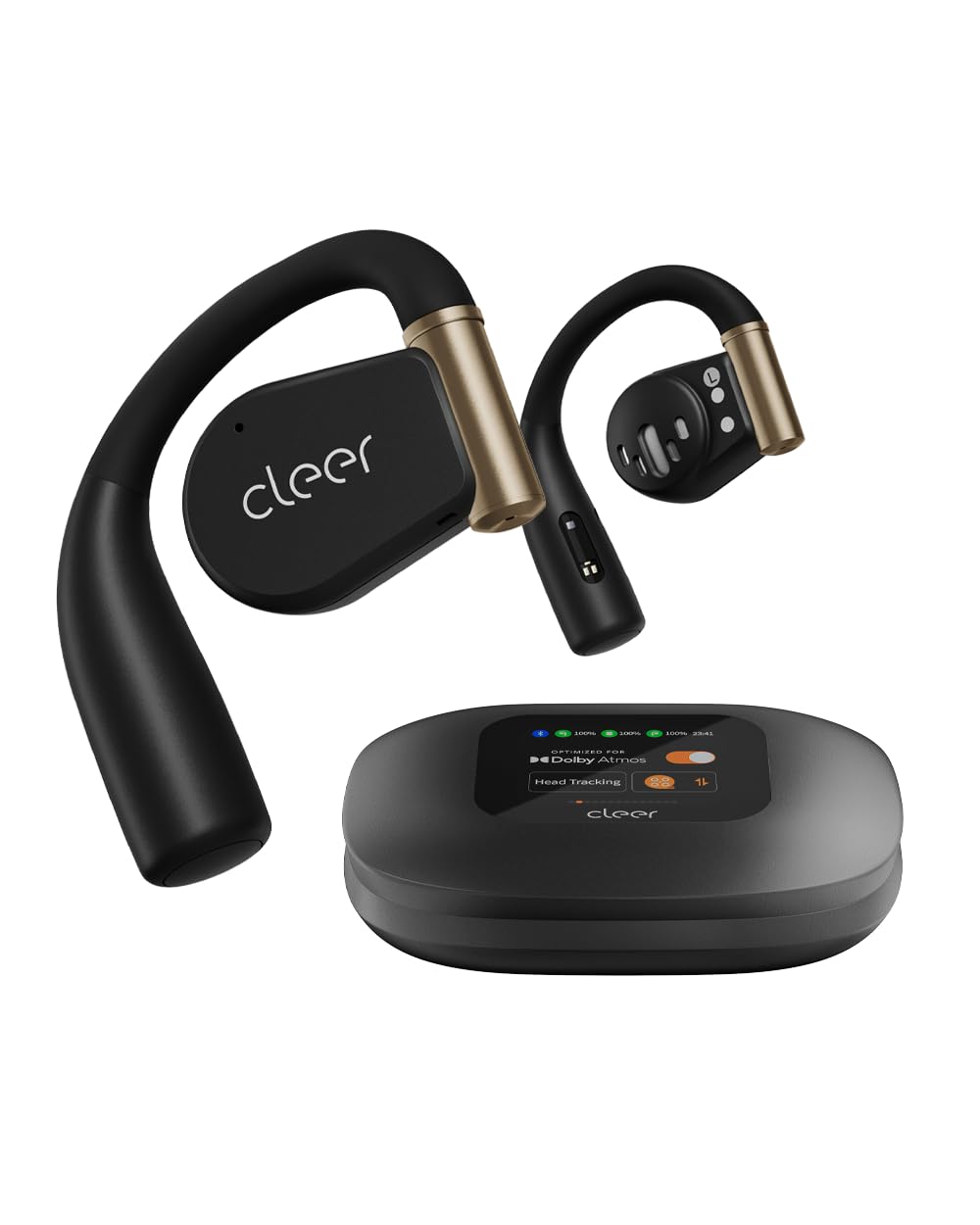
If a charging case is missing or damaged, a reliable alternative is a high‑quality wireless charger. The Cleer ARC 3 Sports Pro Open Ear Headphones include a wireless charging smart case that delivers up to 32 hours of extra power, ensuring that the test device itself is not a limiting factor. The case’s 40‑hour total battery life and robust IPX7 waterproof rating make it suitable for repeated charging cycles during testing.
Once the earbuds reach full charge, remove them from the case and let them sit idle for five minutes. This pause stabilizes the internal chemistry, allowing the battery meter to settle before measurement begins.
Document the initial charge level in a notebook or digital spreadsheet; consistency in record‑keeping is essential for longitudinal analysis.
Step 2: Use Built‑in Battery Diagnostics
Most premium earbuds provide a native battery health indicator within their companion app. Open the app, navigate to the battery or device status page, and locate any “Battery Health” or “Maximum Capacity” metric. For AirPods, the iOS Settings → Bluetooth menu displays a percentage, while the Apple Support app can reveal cycle count.
Record the displayed health percentage. A value above 80 % after 300‑500 charge cycles typically indicates a healthy battery. Values below this threshold suggest capacity loss and may warrant deeper investigation.
If the earbuds do not expose health data, proceed to the next step, which leverages third‑party applications capable of reading Bluetooth Low Energy (BLE) characteristics.
Note that the Cleer ARC 3 offers an on‑screen FHD display that shows real‑time battery status and auto‑volume adjustments, providing a clear visual reference for comparative testing.
Step 3: Use a Dedicated Battery Testing App
Install a reputable battery testing app on your smartphone. For iOS devices, “Battery Life” can read the true charge capacity (mAh) of connected AirPods. Android users may select “Battery Monitor” or “Ampere” to obtain similar data for Galaxy Buds and other BLE earbuds.
Launch the app, pair the earbuds, and initiate a diagnostic scan. The app will report the current charge (in mAh) and the design capacity (the original manufacturer specification). Divide the current charge by the design capacity and multiply by 100 to calculate the remaining health percentage.
Example: If the app reports 350 mAh remaining and the design capacity is 400 mAh, the health is (350/400) × 100 = 87.5 %. Record this figure alongside the built‑in metric for cross‑verification.
When testing the Cleer ARC 3, the app can confirm the advertised 40‑hour total battery life by measuring actual runtime under a controlled audio load.
Step 4: Compare with a Reference Device
To contextualize the results, compare the test earbud with a known‑good reference model. The Cleer ARC 3 Sports Pro Open Ear Headphones serve as an excellent benchmark because they feature a 40‑hour battery claim, Dolby Atmos sound, and a durable IPX7 rating, all verified by a 4.2‑star rating from 60 reviewers.
Play identical audio (e.g., a 30‑minute high‑fidelity track) on both the test earbuds and the reference model at the same volume level. Measure the time until each device reaches the low‑battery warning threshold. A significant discrepancy indicates that the test earbuds have reduced capacity.
Document the playback duration, noting environmental factors such as temperature, which can affect battery performance. Conduct the test at room temperature (20‑22 °C) for consistency.
By using the Cleer ARC 3 as a reference, the user benefits from its multi‑point Bluetooth 5.4 connectivity, ensuring stable playback during the comparison.
Step 5: Record and Interpret Results
Compile all measurements—built‑in health percentage, app‑derived capacity, and comparative runtime—into a single table. Calculate an average health score to mitigate variance between methods.
If the average health exceeds 85 %, the earbuds are considered to be in good condition. Scores between 70 % and 85 % suggest moderate wear; the user may experience reduced playback time but can still rely on the device for everyday use. Scores below 70 % warrant replacement or professional battery service.
For devices with replaceable batteries (e.g., certain Galaxy Buds models), a low score may justify purchasing a spare battery kit. For sealed units, consider warranty coverage or manufacturer‑approved service.
Maintain the recorded data for future reference; tracking health over months will reveal degradation trends and inform purchase decisions.
Tips & Pro Tips
- Perform the test every three to six months to monitor gradual capacity loss.
- Avoid exposing earbuds to extreme temperatures; both heat and cold accelerate battery wear.
- When using the Cleer ARC 3, enable the auto‑volume feature to maintain consistent audio output during runtime tests.
- Calibrate battery meters periodically by fully discharging and fully charging the earbuds at least once per year.
- Use the wireless charging case of the Cleer ARC 3 to ensure a stable charging current, reducing measurement error.
Troubleshooting
- App cannot detect battery capacity: Ensure Bluetooth permissions are granted and the earbuds are not in low‑power mode.
- Discrepancy between built‑in and app readings: Restart both the earbuds and the smartphone; some firmware updates may cause temporary reporting errors.
- Runtime test ends prematurely: Verify that background apps are closed and that the audio source is not set to a high‑gain mode that drains power faster.
Conclusion
Testing earbud battery health involves a systematic approach: preparing a full charge, leveraging built‑in diagnostics, employing a dedicated testing app, and comparing results with a reliable reference device such as the Cleer ARC 3 Sports Pro Open Ear Headphones. By documenting each measurement and interpreting the average health score, one can make evidence‑based decisions about continued use, servicing, or replacement. Regular monitoring extends the lifespan of valuable audio equipment and ensures uninterrupted listening experiences.
Products Mentioned in This Guide
Frequently Asked Questions
How can I check earbud battery health using built-in diagnostics?
Use the earbud’s native app or device settings to view battery cycles and maximum capacity, typically after a full charge‑discharge cycle.
Which third-party apps are recommended for testing earbud battery capacity?
For iOS, Battery Life; for Android, Battery Monitor or AccuBattery are popular choices that read Bluetooth battery data and estimate health.
What simple reference test can reveal a degrading earbud battery?
Fully charge the case and earbuds, then use them until they shut off and compare the runtime to the manufacturer’s advertised playtime.
How often should I test my wireless earbud battery health?
Test every 2–3 months or whenever you notice a sudden drop in listening time to catch early degradation.
When should I replace my earbuds based on battery health results?
Replace them when capacity falls below 70‑80 % of the original spec or when runtime is significantly shorter than advertised.